I love teaching, here is a collection of lessons I’ve taught at Pluralsight.
Modeling a High-performance Vehicle in 3ds Max
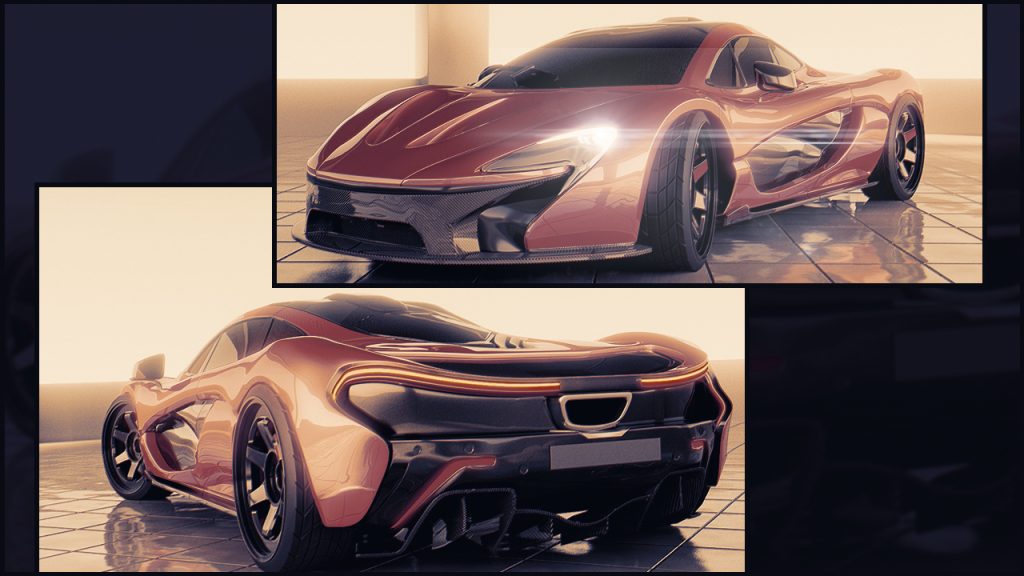
If you’ve ever dreamed about using your 3D modeling skills to create a high-performance vehicle, this is the perfect course for you. Throughout this course, Modeling a High-performance Vehicle in 3ds Max, you’ll develop your skills while working on this challenging and fun project. You’ll start by working from a few reference images and then begin modeling in all the components of this complex vehicle, from windshield to wheels. Once all the modeling is in place, you will set up a basic environment and add some simple shaders and a light rig to do a quick beauty render of your vehicle. By the end of this course, you’ll not only have a high-quality render of a car, but also more refined modeling skills that will help you with your own projects in the future. Software required: 3ds Max 2015, Photoshop, and Mental Ray.
3ds Max Shading and Texturing Fundamentals

Have you ever wanted to create your own realistic or stylized materials in 3ds Max? In this course, 3ds Max Shading and Texturing Fundamentals, you’ll dive into the material editor and material creation. First, you’ll discover what a shader is. Next, you’ll explore procedural vs. bitmapped maps. Then, you’ll learn how to create materials such as glass and wood. Finally, you’ll cover working with the compact vs. the slate material editor. By the end of this course, you’ll be able to create your own realistic materials and be very familiar with the material editor and it’s different modes. Although some aspects of this course are specific to 3ds Max 2018 (such as the Slate material editor) the rest of the course can be applied to any version of 3ds Max. Software required: 3ds Max 2018
Creating Automotive Materials in Unreal Engine 4
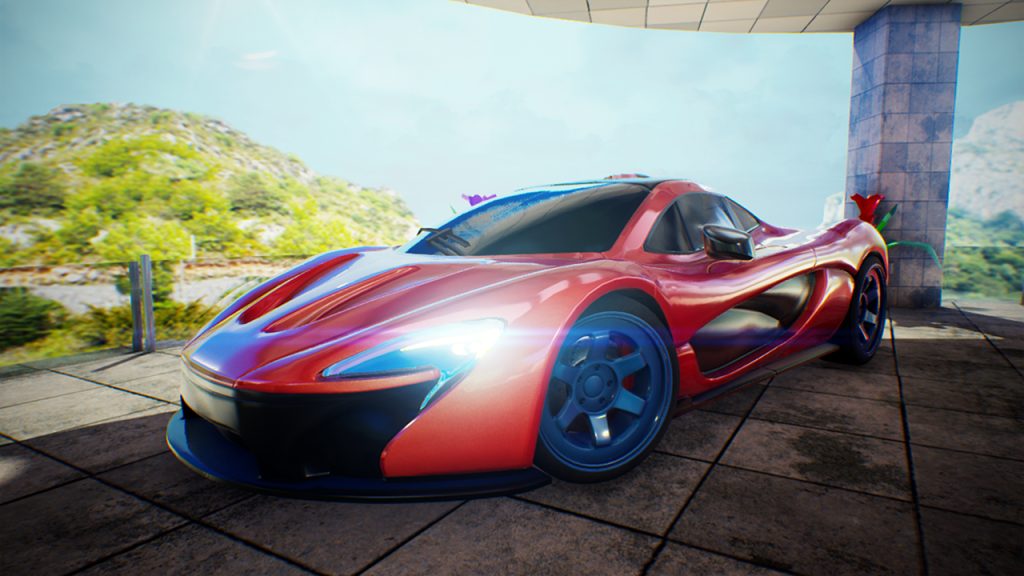
In this course, Creating Automotive Materials in Unreal Engine 4, you’ll learn how to create stunning automotive materials in the Unreal Engine 4 editor. First, you’ll learn the process of car paint creation for your model. Next, you’ll learn the material creation process for rubber, plastic, and glass. Finally, you’ll learn about scene-lighting and post processing. By the end of this course, you’ll be able to create a host of materials that can be applied to more than just car models. Required Software: Unreal Engine 4
3ds Max Graphite Modeling Tools Fundamentals
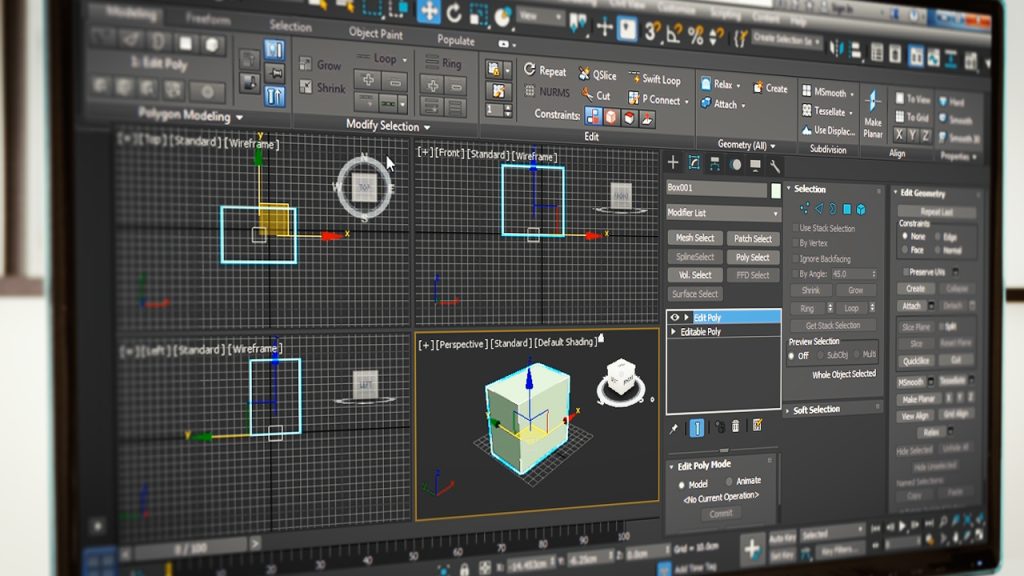
For some there is much mystery surrounding the Modeling Ribbon and the tools it contains in 3ds Max. In this course, 3ds Max Graphite Modeling Tools Fundamentals, will introduce you to all of Graphite Modeling Tools and will demonstrate how they can be used to make your day to day modeling and editing task within 3ds Max easier and more efficient. You’ll learn that aside from being conveniently placed to reduce UI clutter, these tools are extremely powerful. First, you’ll discover how to customize the ribbon. Next, you’ll explore how to use the swift loop and paint connect tools. Finally, you’ll dig into the Paint Deformation, Object Paint, and Selection tools. By the end of this course, you’ll know more about these tools and all of their fundamentals and then some. Software required: 3ds Max.
Creating a Secondary Game Vehicle in 3ds Max
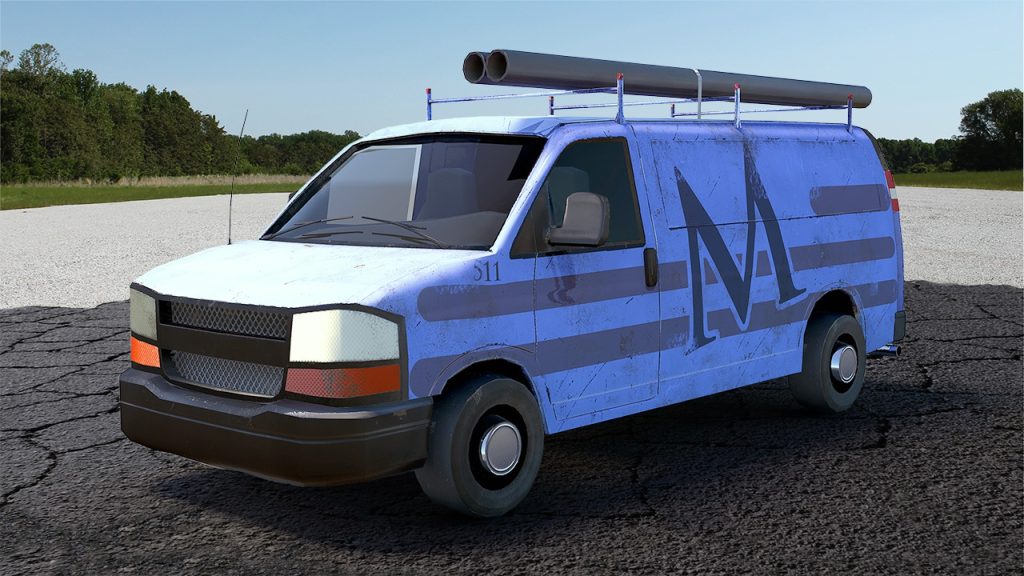
In this 3ds Max tutorial, we’ll model and texture a detailed secondary vehicle. We’ll start by looking at how to build a high poly vehicle from blueprints. Once our high poly model is finished, we’ll modify it to build our final in-game asset. By the end of this 3ds Max training, you’ll have a thorough understanding of the tools and techniques used to create secondary game vehicles. Software required 3ds Max 2013.